Download Warmboard Comfort App

Total Control over your Radiant heating system

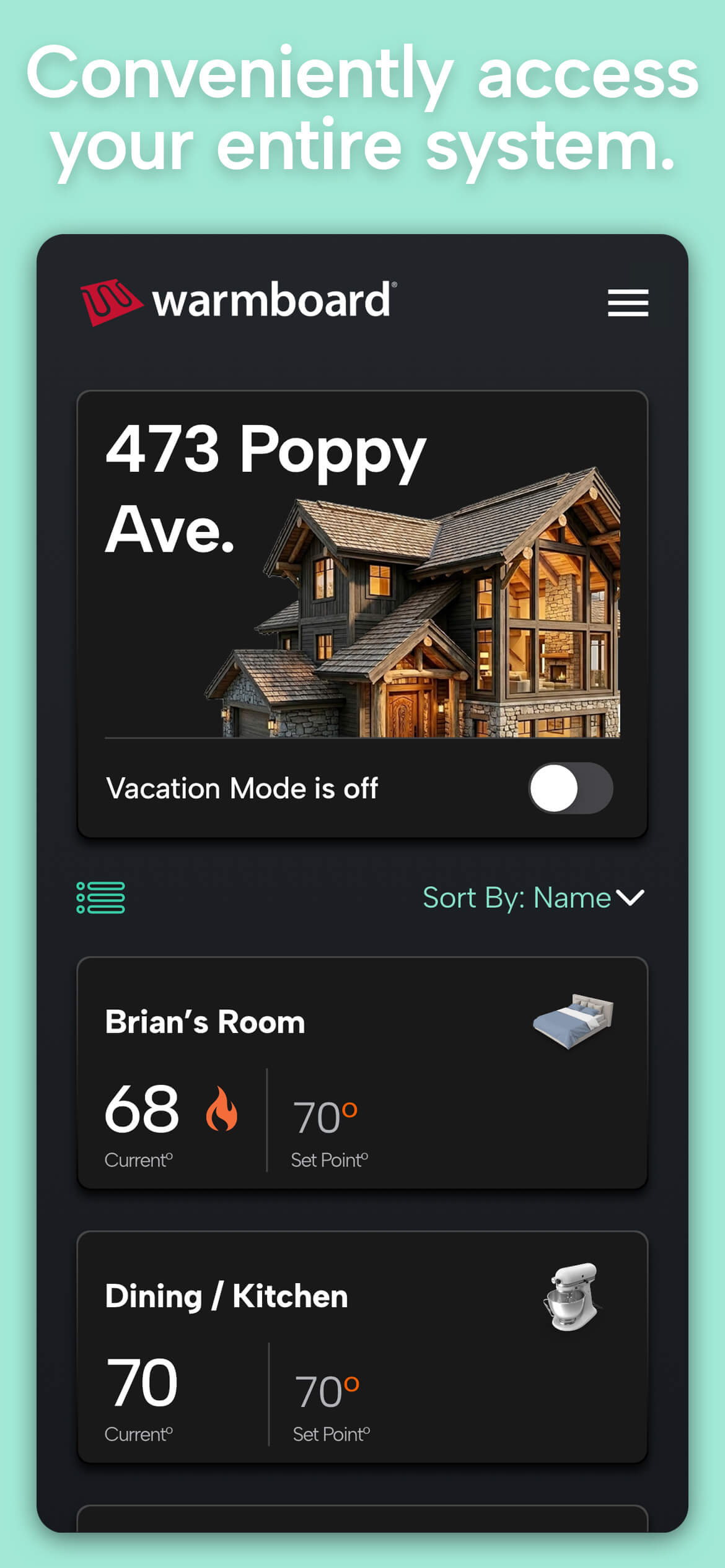
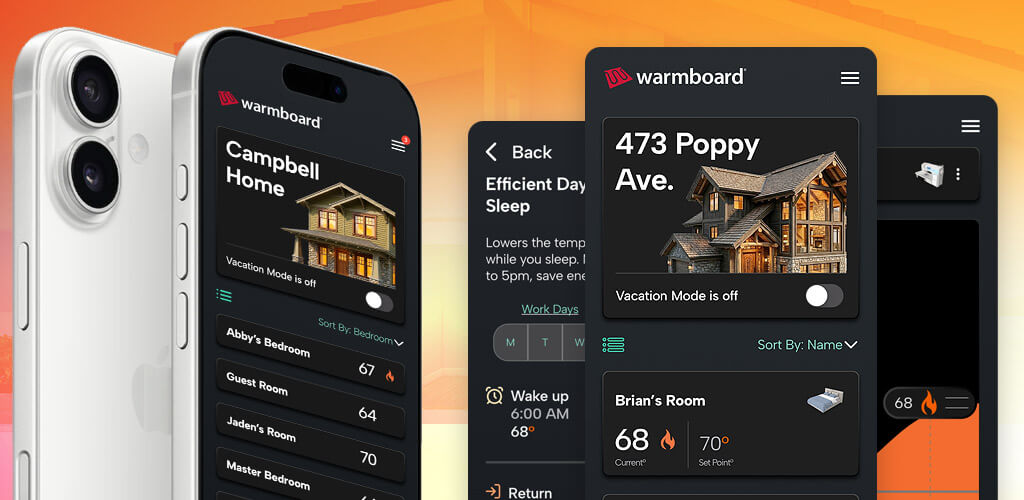
Warmboard app home screen with zones

App Key Features

  • Complete Zone Visibility: View current temperatures, set points, and system status for every room at a glance.
  • Customized Spaces: Rename zones and assign representative icons so your app matches your home’s layout.
  • Smart Scheduling: Create custom heating routines and apply them across individual rooms or your whole house.
  • Vacation Mode: Enable whole-home energy savings while you are away and return to a warm home seamlessly.
  • Multi-User & Multi-Property Management: Switch between properties easily while controlling user access and permissions for family or guests.
  • Instant System Alerts: Receive direct push notifications for error warnings or maintenance needs to ensure uninterrupted operation.
  • and more…

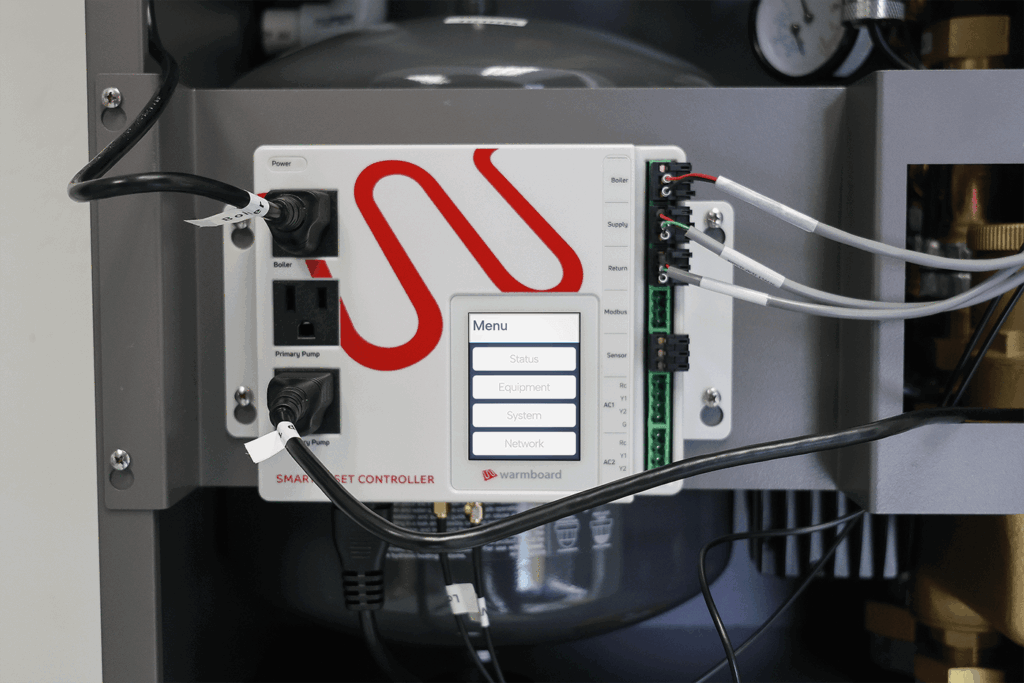
To use the Warmboard Comfort app, your setup must be a Warmboard Comfort System (WCS) equipped with Gen 2 controls. Please note that this application is not compatible with Warmboard panel-only installations or WCS Gen 1 controls.

Total System Control, Built From the Ground Up

Engineered completely from the ground up, the all-new Warmboard Comfort app puts intuitive climate control right on your smartphone. Enjoy total command of your radiant heating system—adjust temperatures, manage schedules, and monitor alerts effortlessly from anywhere.
App Frequently Asked Questions

  1. Where can I download the Warmboard Comfort app? The app is available for iOS and Android devices. You can download it directly from the App Store or Google Play via warmboard.com/download-app.
  2. Can I control multiple properties from one app? Yes. You can link multiple Warmboard-equipped homes to your profile and switch between properties seamlessly.
  3. How do user access permissions work? Primary account holders can invite additional users (such as family members or property managers) and restrict what settings or temperature adjustments they can make. Secondary users will need to create a new account (Sign-up button) and after entering their information, they can scan the QR code from the thermostat to request access from the system admin (primary user). They will receive a push notification once approved by the admin.
  4. What happens if my heating system encounters an error? The Warmboard Comfort app monitors system diagnostics and will send push notifications directly to your device if an operational error or alert occurs.
  5. What are the System requirements to use the app? WCS with Gen 2 controls. Not compatible with Warmboard panel only systems or WCS with Gen 1 controls.

Upgrade Gen 1 to Gen 2

The Warmboard Comfort App is only compatible with Gen 2 controls. [Upgrades will be available soon]

EULA

Learn more about the Warmboard Comfort App terms of service.